March 6, 2026
Here at Working Profit, we do not sell our subscriber’s names or email addresses, we do not track our subscribers, we don’t fill their Inbox with a lot of junk. There are plenty of companies that would like us to do so. You all get it, they follow you around, track your movements and target advertising at you.
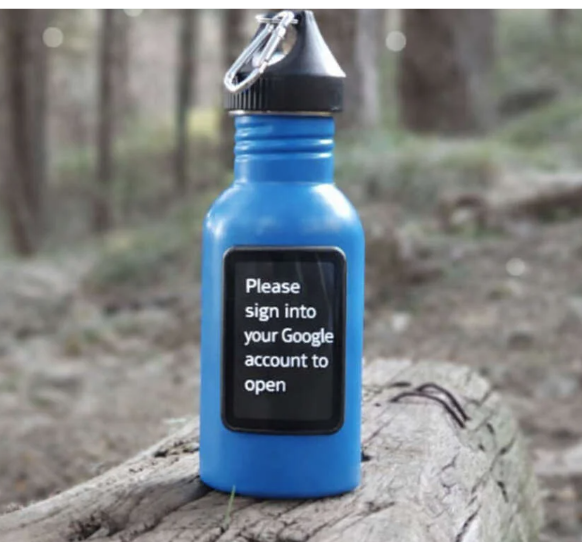
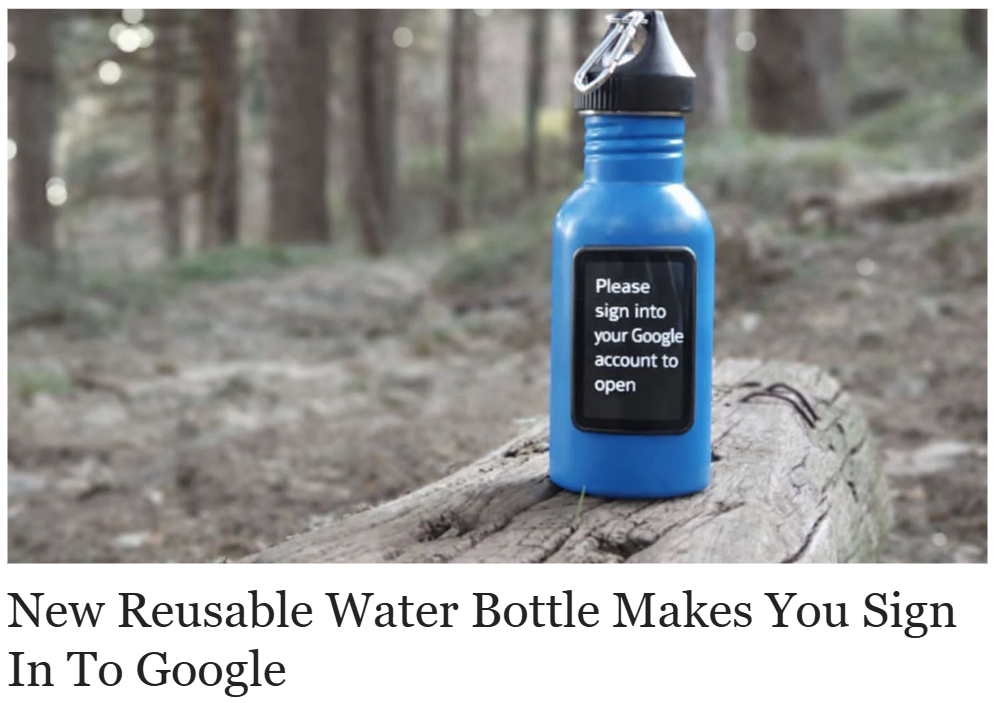
Now I’m betting that when you saw that picture above, you had at least a momentary thought “they are really doing that now?” Which shows you your sensitivity to it. It is of course a fake, but I’m sure if you go and buy Fiji water someplace, your Inbox will fill with health offers, almost all of which are stupid.
No, I’m not going to buy kinka-boa and mix it with cala-root and then pour it into Fiji water all in an attempt to live to 120, which the advertising will cleverly hint and but not really. They’re just trying to sell us junk. I mean, some breathless discovery about kinka-boa or cala-root (both fakes) sounds like something deep in a forest or jungle somewhere, somewhere where the life expectancy is 43 years or something. Forehead slap.
Down here in God’s Waiting Room, medical advertising is everywhere. If you watch something like Fox, you would assume all viewers are over 80 years old and in need of medications for all kinds of horrible human conditions. And of course, the medicines (in the fine print) are worse than the affliction in some cases.
I’ve mentioned before that I work diligently, all the time, to limit my exposure to the Internet. Basically “Its none of their business” is my motto. Here are some of the things I do that I’ve found helpful.
IoBit offers a suite of helpful computer maintenance programs. Their flagship is Advanced System Care; it sets you back $20-$70/year depending on if you buy a single PC or multiple. Warning. They will send you pop-up ads to buy their other products which are not necessary although I have most of them. The pop-up ads are annoying; I actually sent them an email and asked them if I could buy a program that would block their advertising. I did not get a response.
But other than that, good stuff. I just ran ASC on this computer (which I do every few days) and it found 8,245 instances of bots/things/cookies/aliens trying to trace me around the Internet. Click the button and it gets rid of them. Anyway, it does a dozen things, you might give it a try.
I use Firefox as my browser. I had it, long ago with Chrome, or Edge or Safari. Chrome being the absolute worst in the history of the world. I imagine when a Neanderthal banged on a hollow log to summon his hunters, there was a small Neanderthal banging on a branch alerting the Sabre Tooths there was a meal close by, what with the tigers having bought the Neanderthal Google tracking app.
Firefox (Mozilla) is a non-profit, they really are the best for privacy protection.
They also have Mozilla VPN:
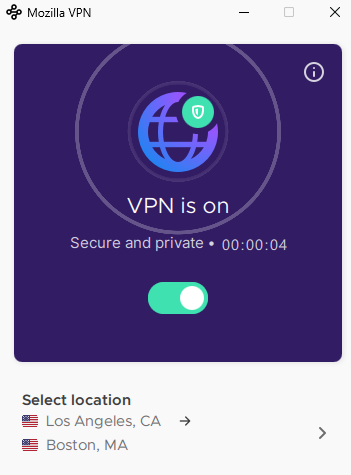
This sends my output to a server in Los Angeles and then it comes out into the Internet in Boston, trackers do not know I’m here in Florida. It’s programmable, you can pick your cities. But at any rate it hides you from the Internet. I believe it’s free.
I routinely reject all cookies and will pick and choose my privacy settings in any program I need to have to limit intrusion.
I am relentless about sending things to Junk and reporting Phishing or Junk messages or contacts. I tend to report all the unwanteds as Phishing…let them deal with the fallout.
I don’t accept free offers which are inevitably intrusive and not free. I do not click on click-bait (40 photos from the Civil War…), I do not actually go very much outside of the trusted providers I have which are mostly subscription-based.
I use Roboform as a password vault and auto-fill program.
In general, I avoid anything Google with maniacal focus. Just remember the water bottle. That includes most of all allowing Google to sign me into applications. No. No. No.
For AI, I utilize Claude.AI. I do not use Microsoft Copilot, for example. Anyone who wants me to use their AI service automatically does not get me to use it. I pay for Claude, I think it has the best privacy and security, but I suppose a lot of that stuff is always in flux.
I use ad blockers to avoid dealing with all of that…is anyone in any business today other than sales?
I spent so many years dealing with highly sensitive client information, I became something of a guru in maintaining privacy and that starts with my own. And I will offer this final piece of advice…
When you get an ad that warns you bad things are about to happen to you…do not click on it. Give it a day so you don’t panic into something rash. And usually, when you check the email address of the sender, its all you need to know. Here is one this week that I got. FYI, I used to have a Geek subscription:
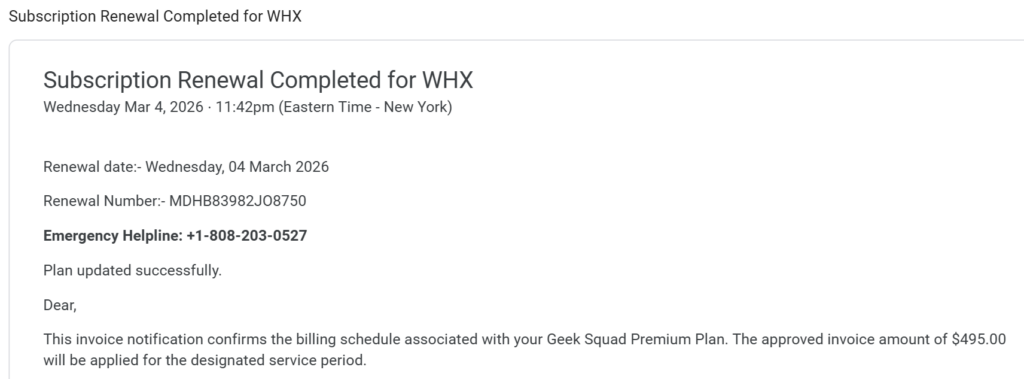
And here is the email address it came from:

I reported it as Phishing; I did not click on anything.
Common sense goes a long way.
Thoughts, questions, or reflections? I’d love to hear them. You can reach me anytime at anthony@workingprofit.com